Choose your project and constraints. Start with explained suggestions, then explore the full editorial catalog below.
RADAR MATCH+ · YOUR PROJECT, YOUR CRITERIA
Choose with a clear reason.
Tell us what you want to create. Compare suitable options, their limits and a first step — without creating an account. Your choices become a personal, shareable link.
Refine your choice
Reusing a tool does not confirm that your current license covers the project. Budget and usage limits still apply.
Answers stay on this page and are not saved or sent by the guide. No extra tracking or paid AI call.
SUGGESTED STARTFree start possible
Affinity
Vector design, photo editing and page layout in one application.
A free edition can be a starting point, subject to the limits below.
Allow learning time before your first project.
Before you choose
Free individual edition on Mac and Windows. Allow learning time; optional AI features require eligible Canva premium plans.
Guide coverage: 2 tool(s) for this project, not the entire market. Fewer than three results means there are not enough eligible alternatives in this guide.
1 option(s) excluded by your budget and usage criteria.
FROM CHOICE TO PRACTICE
Your first three steps
A square visual introducing your project.
One headline, one sentence and an image you own. For this exercise: a 1,080 × 1,080 pixel square.
This exercise does not unlock a paid plan or guarantee a result. Check the tool limits above before starting.
x
Your own checklist, not an automatic verification. Reloading or changing project clears it. No answers are saved or sent.
Before checking: The document uses your chosen dimensions and has one main message.
Before checking: The headline remains readable at a small size; text does not touch the edges.
Before checking: An export opens correctly outside the editor. You have kept the editable file and usage-rights information.
A rules-based guide, not a hands-on product test. Budget means a payment preference, not a price quote. Recommendations do not use commissions or customer ratings. Our method
NEW PRACTICAL GUIDE
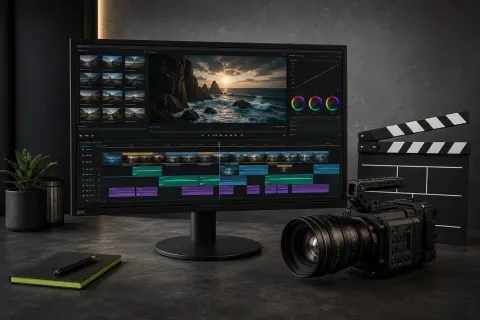
Descript vs CapCut vs DaVinci Resolve
Choose by spoken content, social speed or production control—with official sources and no invented test.
A shortlist is useful only when it makes a decision easier.
RADAR/01 does not try to name every tool. We retain tools that solve a clear creator problem, show enough maturity to be considered, and make their commercial model understandable before a visitor clicks out.
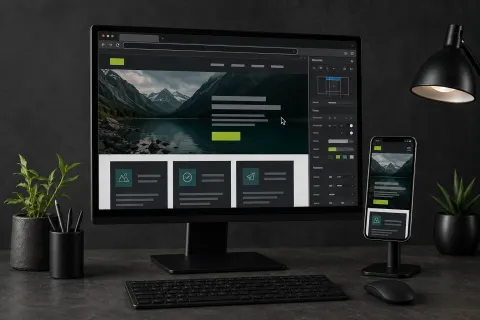
AI-generated creative scenes, not product screenshots. Scores are editorial indicators, not customer ratings.
Selection is not placement.
Scores reflect usefulness, maturity and relevance for independent creators. Commercial relationships are disclosed and never guarantee a place on this page.