Video editing
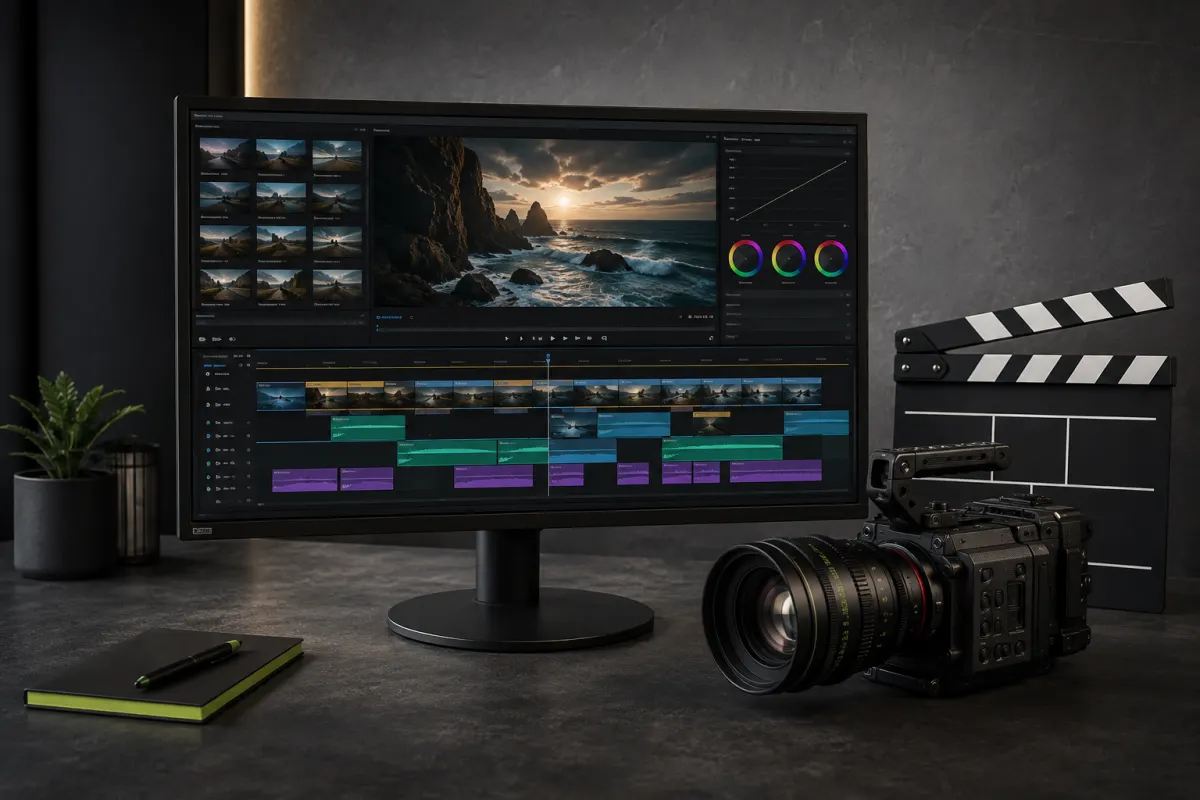
Combine Kittl-generated clips: trim, split, rearrange and adjust speed on a timeline, then export an MP4.
Combine, trim and split clips
Rearrange scenes and adjust their speed
Automatic saving and MP4 export
THE RADAR PERSPECTIVE
A fit for your project?
Worth exploring for
Finish generated clips without leaving Kittl.
Before you choose
Try it with a short project of your own. Check export quality, usage limits and licensing for your publishing channels.
An editorial orientation based on the listed use cases, not a customer testimonial or a hands-on product test. The score is not a user rating.
How to read our selectionsWHY THIS SCORE
A transparent score, not a black box.
The starting relevance is adjusted according to the release age. The older an automated signal gets, the lower its score becomes.
RELEVANCE BASE
FRESHNESS ADJUSTMENT
DISPLAYED SCORE
Verified selection · Reference selection
VIEW THE FULL METHODOBSERVED HISTORY
A factual timeline, not a promise.
Each dated point comes from a recorded scan. Missing days are never reconstructed.
DAYS OBSERVED
STABLE
LATEST READING
PRACTICAL COMPARISON
Kittl vs Canva vs Adobe Express
Put this signal in context with decision criteria, a practical trial protocol and publisher sources.
RELATED SIGNALS
A LITTLE LESS GUESSWORK
Know what is behind each signal.
Check the source
Automatic releases link to official sources. Reference selections are labelled separately.
How the radar worksUnderstand the recommendation
A RADAR score is an editorial indicator, not a customer rating. An affiliate link does not increase it.
Read the scoring methodKnow what funds the site
Premium subscriptions and eligible purchases through disclosed affiliate links can fund RADAR/01.
Explore Premium